ERP Implementation Failure: 5 Common Mistakes That Sink Projects — and How to Avoid Them
Most ERP projects that fail do not fail because the software was wrong. They fail because of five predictable, avoidable mistakes made in planning, execution, and people management. This is a clear-eyed breakdown of each one — and exactly what to do differently.
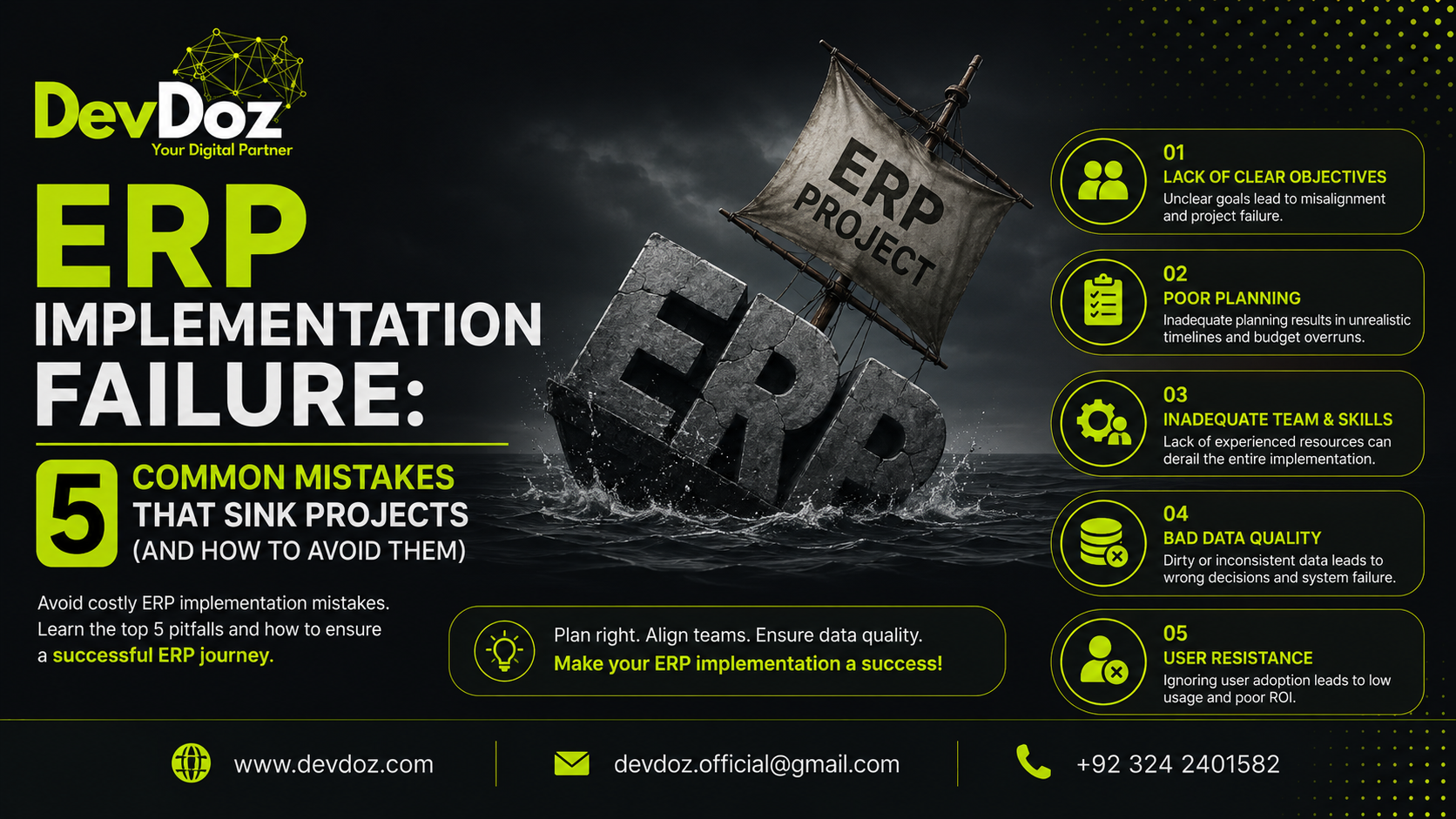
An ERP implementation is one of the most significant operational investments a business can make. When it works, the impact is visible across the entire organisation: faster processes, reliable data, reduced manual work, and a financial picture that is always current. When it fails — and a meaningful proportion of ERP projects do fail to deliver what they promised — the consequences are equally visible: budget overruns, disrupted operations, frustrated teams, and sometimes a second implementation within two years to fix the first one.
The frustrating reality is that most ERP failures are not mysteries. They follow recognisable patterns. The businesses that struggle tend to make the same five mistakes. The businesses that succeed tend to avoid them. This article documents those mistakes clearly — not as an abstract warning, but as a practical reference for anyone who is about to start, or is already mid-way through, an ERP project.
At DevDoz, we have been through enough ERPNext implementations to know exactly where projects break down. What follows is drawn from that experience, not from theory.
Mistake 1: Treating the ERP Project as an IT Initiative
This is the most structurally damaging mistake on the list, and it tends to infect everything that follows from it. When an ERP implementation is classified as an IT project and handed to the technology team to manage, the implicit message is that this is fundamentally a software problem being solved by technical people. That framing is wrong, and acting on it consistently produces bad outcomes.
An ERP system is not a technology layer sitting on top of your business. It is a model of your business — your chart of accounts, your inventory structure, your purchasing workflows, your approval hierarchies, your reporting needs — all translated into software configuration. Getting that model right requires the active involvement of the people who understand how the business actually works: the operations manager who knows where the warehouse processes break down, the finance director who knows which reports are genuinely used for decisions versus which ones are produced out of habit, the sales team lead who knows which CRM workflows their team actually follows versus which ones they route around.
When these people are not driving the project — when they are consulted occasionally rather than leading the requirements — the ERP that gets built reflects the IT team's interpretation of business needs rather than the business needs themselves. The result is a technically functional system that does not match how the organisation works, and a team that never fully adopts it because it was not built around them.
What to do instead
Establish a steering committee with genuine authority and genuine business representation before the project begins. This committee should include a senior executive — ideally the COO or CFO, not the CIO — with the authority to make decisions and resolve conflicts. Every department affected by the implementation should have a named representative who is accountable for the requirements from their area.
More importantly, frame the project correctly from the start. An ERP implementation is not a technology deployment — it is a business process change programme that happens to involve software. The implementation is an opportunity to examine how your business works and improve it, not just to replicate existing processes in a new system. Businesses that use the implementation as a forcing function to address inefficiencies they have tolerated for years tend to get dramatically better outcomes than those that treat it as a straightforward migration.
Our article on the 7 stages of ERPNext implementation covers how to structure discovery properly so that business requirements — not assumptions — drive the configuration.
Mistake 2: Rushing the Data Migration
If there is one part of an ERP project where the gap between how long it takes and how long it is allocated tends to be largest, it is data migration. It is almost always underestimated, sometimes dramatically, and the consequences of underestimating it are some of the most persistent and damaging problems an implementation can produce.
The reason is straightforward. Every business that has been operating for more than a few years has accumulated data quality problems in its existing systems: duplicate supplier records that have never been merged, customer accounts with missing or incorrect contact details, inventory items without consistent naming conventions, stock figures that have not been reconciled against a physical count in longer than anyone can remember. None of this is unusual — it is the natural accumulation of years of imperfect data entry and changing business practices.
The problem is not that this data exists. The problem is what happens when it moves to the new ERP without being addressed. You do not get a clean start with new software. You get a new system populated with all the same problems, now harder to find because they are inside an unfamiliar platform. Your inventory valuations are wrong, which means your cost of goods sold is unreliable. Your supplier duplicates mean duplicate payments. Your customer records have gaps that cause errors in invoicing. And your team loses faith in the system because the numbers do not match their experience — which leads them to maintain parallel records in spreadsheets, which is the exact problem the ERP was supposed to solve.
What to do instead
Start the data audit early — ideally in parallel with the system design phase, not after the configuration is complete. Define data quality standards for every entity that will migrate: what fields are mandatory, what format they need to be in, what constitutes a valid record. Run your existing data against those standards and produce a remediation list. Then work through that list systematically, involving the people who actually know the data — because the judgment calls required to merge duplicate records or verify inventory figures cannot be made by a technical team working alone.
Run at least one test migration before the go-live migration. The first migration will surface problems that the audit did not catch. Each issue found in the test migration is an issue that does not become a live production problem. Budget the time for this iteration — it is not wasted time, it is the work that protects your go-live.
For a more detailed treatment of data migration as a stage in its own right, our ERPNext implementation stages guide covers the full approach including the pre-migration audit, test migration cycles, and go-live migration validation.
Mistake 3: Over-Customising the System
Customisation in an ERP context is a spectrum. At one end, sensible configuration adapts a capable platform to your specific business structure — your chart of accounts, your item groups, your approval workflows. At the other end, excessive customisation tries to make the ERP replicate every quirk of how your business has always worked, including the parts that are inefficient, poorly designed, and only exist because nobody has challenged them in a decade. Most projects end up somewhere on this spectrum, and where they land has a significant impact on the outcome.
The pressure to customise comes from a reasonable place. People are comfortable with the processes they know, and the prospect of changing them alongside a major system transition feels like too much disruption at once. So the request comes in: can we make the ERP work like our current system? And technically, the answer is often yes — but the real question is whether it should.
The cost of over-customisation is paid in several ways. Development time and cost at the implementation stage are the most visible. But the longer-term cost is often worse: custom code is harder to maintain, tends to break when the base platform is updated, requires specialist knowledge to modify, and makes every future change more expensive than it would otherwise be. A business that heavily customises its ERP on day one often finds itself locked into an increasingly fragile system that becomes harder and more expensive to maintain with each passing year.
What to do instead
Before committing to any customisation, ask a harder question: is this a genuine business requirement that gives us a competitive advantage, or are we trying to preserve a process that exists out of habit? Modern ERP platforms like ERPNext are built around established business best practices. Where your process diverges from the platform's standard approach, it is worth examining whether the divergence reflects a genuine need or an accumulated habit.
A useful rule of thumb: if the platform handles eighty percent of the requirement, adapt the business process to fit the remaining twenty percent before deciding to customise the software. The cases where genuine custom development is justified — where a business has a truly non-standard requirement that standard configuration cannot address — do exist, but they are rarer than most projects assume. When custom development is genuinely needed, the Frappe framework handles it cleanly through its custom app architecture, which keeps custom code separate from the ERPNext core so it does not break on updates.
Establish a governance process for customisation requests from the start of the project. Every request for non-standard development should go through a defined review — who requested it, what business problem it solves, whether configuration can address it, and what the long-term maintenance implications are. This does not mean refusing customisation; it means making deliberate decisions about it rather than accumulating it incrementally until it becomes a problem.
Mistake 4: Underinvesting in Training and Change Management
Of all the mistakes on this list, this one is the most consistently underestimated at the planning stage and the most clearly visible in its consequences after go-live. A well-configured ERP system that no one uses correctly — or that people use while simultaneously maintaining their own manual workarounds alongside it — delivers almost none of the value it was supposed to provide.
The training failure pattern is remarkably consistent across projects. Training is scheduled for the week before go-live, covering the full system for all users in a series of general overview sessions. Users leave with a vague familiarity and a lot of anxiety. The system goes live. Questions multiply. The implementation partner is moving on to the next project. The internal team does not have enough depth in the system to answer questions quickly. Within a few weeks, workarounds emerge: spreadsheets that do what people know how to do, processes that route around the ERP rather than through it. The system is technically live but operationally marginal.
The change management failure is subtler but equally damaging. People resist ERP implementations not because they are obstructive but because they are rational. They do not understand why the change is happening. They are worried about whether they will be able to do their job in the new system. They have not been involved in decisions that directly affect their work. When these concerns are not addressed proactively, they manifest as passive resistance — minimal engagement during training, creative workarounds after go-live, and a cultural narrative that the system does not work.
What to do instead
Start the change management work before the technical work. Communicate what is changing, why it is changing, and what the benefit to each team is — not just the benefit to the business overall. Involve operational teams in the requirements and testing phases, not just as testers but as contributors whose knowledge shapes the design. The people who feel ownership of the system they helped build adopt it very differently from the people who had a system imposed on them.
Build training around roles, not features. A warehouse operative needs to know exactly how to receive a purchase order, process a stock transfer, and record a discrepancy in the new system. An accounts payable clerk needs to know how to process a supplier invoice, run a payment batch, and reconcile a bank statement. Training built around the actual tasks each role performs is retained. Training built around a tour of the system's features is not.
Identify and invest in internal champions — two or three people per department who develop real depth in the system during the implementation and become the first line of support for their colleagues after go-live. This investment in a small number of people pays back many times over in reduced post-go-live support burden and faster adoption across the team.
Mistake 5: Choosing the Wrong Implementation Partner
This mistake is listed last, but it is arguably the most consequential, because a good implementation partner helps you avoid all the other mistakes on this list. A poor one may not notice them happening, or may not have the standing to challenge a client when the client is making a bad decision.
The most common version of this mistake is choosing on price. ERP implementations are expensive, and when comparing proposals, the lowest number is naturally attractive. But the cost of an implementation that fails — or that delivers a system that requires significant remediation work before it actually functions as needed — is almost always higher than the cost of a well-run project done properly the first time. A partner who quotes low and then charges for every change request, or who lacks the experience to anticipate problems before they happen, is not the cost-effective option even if the initial number is smaller.
The second common version is choosing a generalist. ERP implementation requires a specific combination of skills: deep knowledge of the platform being implemented, understanding of the business domain (whether manufacturing, distribution, services, or retail), project management discipline, and the interpersonal skill to manage the human side of a complex change project. A firm that is competent at software development generally but lacks specific ERPNext experience will learn on your project — and you will pay for that learning in time, mistakes, and the cost of fixing them.
What to do instead
Evaluate implementation partners on the questions that actually predict project success, not just the price and the quality of the sales presentation. Have they implemented ERPNext for businesses similar to yours in size and industry? Can they provide references from clients in your sector who you can speak to directly — not about the sales process, but about how problems were handled when they arose, and what the experience was like in the months after go-live? What does their discovery process look like, and do they insist on completing it properly before beginning configuration? What is their post-go-live support model, and what are the response times for critical issues?
A partner who insists on a proper discovery phase, who pushes back on scope that is under-defined, who raises concerns about data quality before they become go-live problems, and who maintains close engagement during the stabilisation period after launch — that partner is worth more than the gap between their quote and a cheaper alternative.
If you are evaluating ERPNext implementation partners and want to understand how DevDoz approaches each of these questions, get in touch. We will give you a direct, honest account of our process and whether we are the right fit for your project.
The Common Thread Across All Five Mistakes
Reading through these five mistakes, the common thread is clear: ERP failure is almost always a failure of planning, governance, and people management — not a failure of software. The technology is capable. What goes wrong is what happens around it.
This is actually encouraging, because it means the causes of failure are knowable and preventable. A business that establishes proper cross-functional governance, invests seriously in data preparation, makes disciplined decisions about customisation, manages the human side of the change proactively, and works with a partner who has done this before — that business is not guaranteed a perfect implementation, but it is in a fundamentally different risk position from one that has not addressed these areas.
The investments required to avoid these mistakes are not extraordinary. They are the things a disciplined approach to a complex project naturally includes. The challenge is maintaining that discipline under the inevitable pressures of timeline, budget, and competing priorities. That is where the right partner makes the most difference — not in the technical work, but in maintaining the standards that protect the project when those pressures arrive.
For further reading, our deep dive on why ERP implementations fail covers the seven root causes in detail, including the data and process factors that this article addresses. Our 7-stage implementation guide describes what a properly structured ERPNext project looks like from discovery to post-go-live stabilisation. And if you are just beginning to evaluate whether ERPNext is the right platform for your business, our guide on switching to ERPNext covers what the platform offers and how to think about the decision clearly.
Frequently Asked Questions
Tags
Share this article
Related Articles
Explore our latest insights, tutorials, and updates from the DevDoz team.
Is Your Business Ready for the Future? A Practical Guide to Switching to ERPNext
Discover why hundreds of growing businesses are leaving fragmented tools behind and moving to ERPNext — and how DevDoz makes that transition smooth, fast, and cost-effective.
Why Most ERP Implementations Fail — And It Has Nothing to Do with the Software
Businesses spend months evaluating ERP software, then blame the software when the project struggles. The real causes of ERP failure are almost always people, process, and planning — and they are completely preventable if you know what to look for.
The 7 Stages of ERPNext Implementation: A Step-by-Step Guide for Businesses
Most ERPNext projects that struggle do so because they skip stages, rush through them, or treat them as formalities. This is a clear, honest walkthrough of every phase — what happens, why it matters, and what goes wrong when it is done poorly.