Customizing ERPNext to Fit Your Unique Business Needs: The Clean Architectural Approach
Standard software forces businesses to warp their core operational workflows. Discover how to safely customize ERPNext via the Frappe Framework—building tailor-made enterprise features while ensuring seamless future platform upgrades.
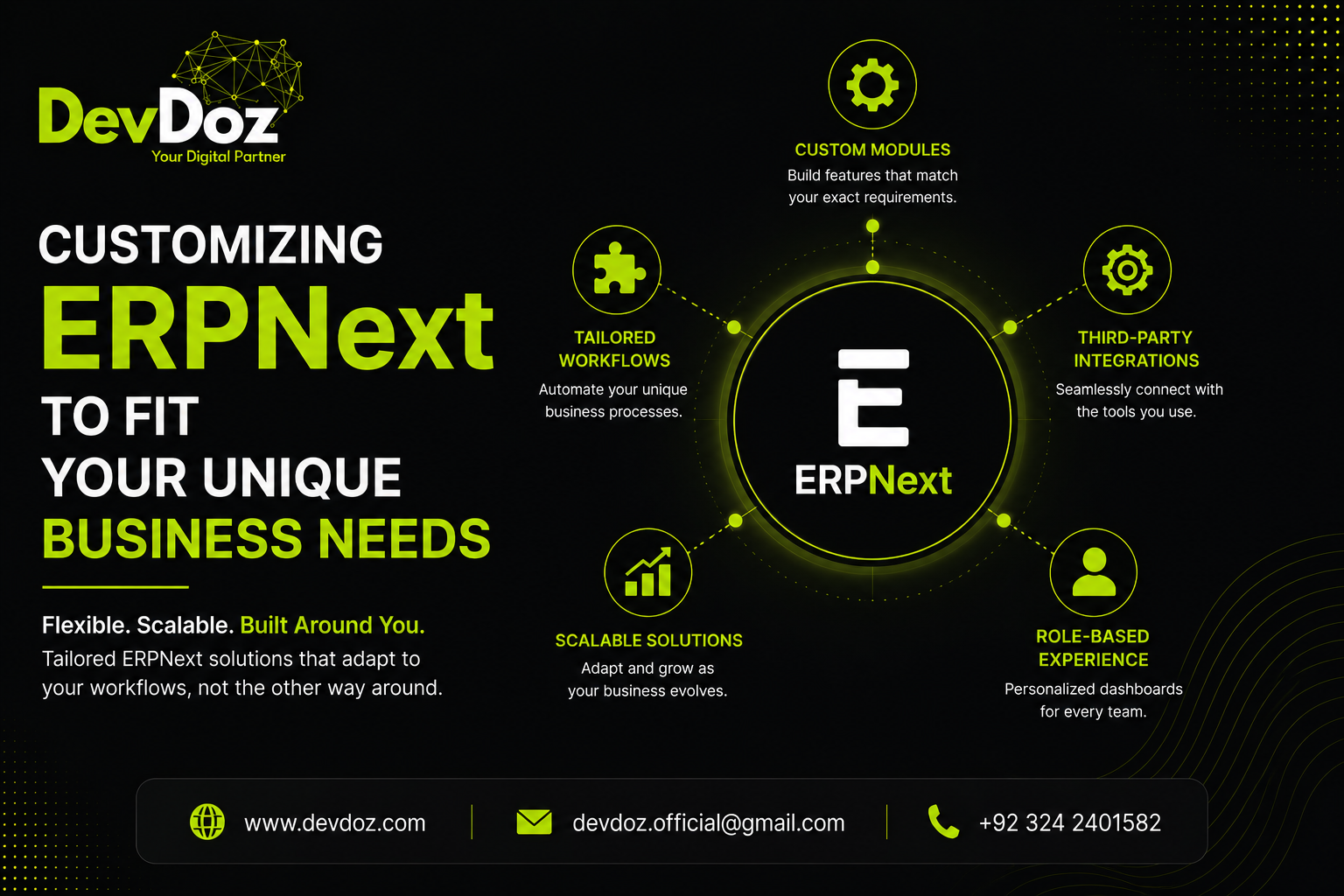
Standard software forces businesses to warp their core operational workflows. Discover how to safely customize ERPNext via the Frappe Framework—building tailor-made enterprise features while ensuring seamless future platform upgrades.
One of the most significant operational traps an expanding enterprise can fall into is forcing its unique, real-world workflows to adapt to the rigid limitations of standard software. When a business implements a proprietary, closed-source ERP platform, it is frequently met with a compromise: either warp your competitive advantages to match the software’s pre-configured modules, or pay exorbitant fees for brittle, custom-coded modifications that fracture during minor system upgrades. This approach actively discourages continuous business innovation.
The core advantage of ERPNext is that it treats enterprise software as a living framework rather than a fixed blueprint. Built entirely on the metadata-driven architecture of the Frappe Framework, ERPNext gives organizations the flexibility to tailor the entire platform—from simple front-end fields to multi-layered back-end automation hooks—to match their exact operational requirements. However, this high degree of flexibility demands absolute technical discipline.
At DevDoz, we routinely step in to rescue deployments that have stalled due to disorganized, legacy modifications. True platform customization isn't about hacking core database tables or modifying primary source code; it is about utilizing decoupled framework mechanisms to build clean, upgradeable additions. This operational guide provides an in-depth analysis of how to safely customize ERPNext to match your unique business processes without creating restrictive technical debt.
1. The Metadata-Driven Model: Safe vs. Unsafe Customization
To customize ERPNext effectively, software engineering teams must first understand how the underlying Frappe Framework tracks data models. Every primary document, form, and structural table in the system is managed as a DocType. Unlike legacy systems that generate static, hard-coded database tables, a DocType is a metadata definition stored securely inside your database schema.
When you create a custom field, reorganize a layout, or construct a brand-new operational layout from scratch, the system records these modifications as separate metadata layers. This separation creates a clear line between configuration and customization:
- Safe Configuration (Metadata Layer): Adding custom data fields, defining multi-role document permissions, mapping rule-based print formats via Jinja templates, and configuring visual Kanban dashboards can all be executed directly through the standard user interface. The system tracks these adjustments as configuration records, ensuring your alterations remain untouched and completely safe during future platform version updates.
- Unsafe Customization (Core Hacking): Directly altering core ERPNext Python modules, patching primary database tables outside of standard migrations, or modifying native assets inside the main repository represents a high-risk development strategy. The next time you run an update via Frappe Bench, your custom modifications will either be completely overwritten or create catastrophic git conflicts that take days of development time to fix.
2. Server-Side Scripting: Deploying Secure, Decoupled Business Logic
Simple interface adjustments are rarely enough when engineering complex corporate processes—such as calculating nested manufacturing margins, checking multi-tiered supplier discount lists, or automating conditional cross-warehouse inventory adjustments. These complex scenarios demand secure server-side scripting controls.
The Frappe Framework addresses this requirement cleanly through two decoupled development mechanisms: Server Scripts and custom application event hooks. Server Scripts enable developers to write isolated Python logic directly inside the platform's user interface, attaching executions seamlessly to document milestones (such as before_insert, `validate`, or on_submit). Because these scripts run inside a secure sandbox environment, they execute high-performance business validation logic without threatening core system stability.
For extensive enterprise customization, the gold standard is engineering a dedicated, separate **Custom Application**. By creating an independent module that interacts with the core platform strictly via the hooks.py framework engine, developers can listen to and modify ERPNext transactional events globally. Whether you are executing a custom validation step before a financial ledger posts or triggering an external API sync when a delivery note is finalized, your custom code remains isolated inside its own clean repository—completely separate from the core platform files.
3. Orchestrating Client-Side Interactivity via Custom Scripts
Operational efficiency is deeply dependent on user experience. If front-end team members have to manually fill out repetitive fields, guess customer-specific pricing structures, or calculate complex operational tax distributions across long data grids, data entry errors will inevitably multiply in your staging environments.
Client Scripts resolve front-end friction by executing secure, performance-tuned JavaScript logic directly within the user's browser engine. By attaching scripts securely to real-time client events (such as a field modification, form load, or a button click), engineers can build interactive, self-validating data entry interfaces:
- Dynamic Field Injections: Automatically query database values to populate relevant supplier credit summaries or default warehouse structures the exact second an asset account is selected.
- Conditional Layout Rules: Instantly hide, reveal, require, or restrict specific form inputs based on the logged-in user’s role, regional company branch, or the total monetary value of an active transaction.
- Real-Time Financial Calculations: Calculate nested item margins, bulk shipping weight tallies, or custom distribution taxes inside transactional tables instantly before documents are submitted for server authorization.
4. Customizing Reports and Dashboards for Executive Visibility
A primary reason companies struggle to scale smoothly is an information lag caused by rigid reporting tools. If a leadership team has to manually export data grids, consolidate columns inside spreadsheets, and build manual analytics, their strategic decisions will consistently happen too late.
ERPNext addresses this visibility gap by offering highly flexible, multi-tier reporting architectures. For simple operational workflows, developers can quickly generate **Script Reports** that extract data using optimized SQL queries and render clean charts directly inside user workspaces. For complex business analysis—such as mapping multi-year asset deprecations, tracking regional customer acquisition costs, or auditing manufacturing material variances—engineers can write highly performant Python data processors to consolidate information across distinct system tables seamlessly.
Furthermore, these tailored reports can be pinned directly onto custom role-based **Workspaces**. A warehouse lead, a procurement manager, and a financial director can each log into dedicated dashboard views that highlight their exact key performance indicators, active approval queues, and real-time inventory safety parameters—ensuring entire organizations manage operations based on current, actionable evidence.
5. Extensible Automation via Webhooks and API Integration
True operational efficiency means your core ERP customization strategy must extend beyond the internal application interface. If your team is still manually copy-pasting customer tracking data from third-party logistics tools, web stores, or external marketing platforms, your data flow remains siloed.
ERPNext features a native, extensible REST API layer alongside comprehensive inbound and outbound webhook managers out of the box. Every single custom DocType or modified field you introduce instantly exposes secure data endpoints automatically. This allows developers to connect external applications directly to your system architecture without writing custom middleware software.
At DevDoz, we take this external connectivity a step further by pairing customized ERPNext schemas directly with advanced automation tools like n8n. This structural integration strategy allows us to coordinate highly complex multi-platform automation pipelines. We can synchronize inventory balances across distinct e-commerce networks, trigger automated localized chat updates for customers when a fulfillment status alters, and inject third-party metrics directly into your customized enterprise dashboards safely and reliably.
Protecting Your Long-Term Architectural Health
Tailoring an enterprise core platform to match your exact business vision is a powerful operational strategy, but it requires an ongoing dedication to engineering standards. Avoid short-sighted shortcuts and chaotic modifications that compromise your system’s upgradeability. By employing clean decoupled custom applications, leveraging client-side scripts correctly, and utilizing metadata configurations, you can build a highly customized system designed to scale smoothly alongside your enterprise expansion for years to come.
At DevDoz, we focus on translating complex operational requirements into high-performance, maintainable Frappe and ERPNext custom applications. We remove deployment risks, eliminate technical debt, and ensure your custom infrastructure runs cleanly. To design an absolute blueprint for your system expansion, explore our operational guide on why ambitious scaling companies select DevDoz as their engineering partner, study our strategic analysis of automating your core business workflows in 5 steps, or review our comprehensive blueprint regarding how ERPNext supports long-term enterprise growth.
Stop forcing your unique competitive advantages to fit inside standard, rigid software boxes. Connect with the DevDoz custom software implementation team today to schedule an analytical operational review and begin engineering a clean, fully customized architecture built precisely around your company's processes.
Frequently Asked Questions
Related Resources

Ali Husnain
Frappe ERPNext Specialist & Tech Lead @ DevDoz
Muhammad Ali Husnain specializes in Frappe ERPNext architecture, custom doctype development, and AI process automations for enterprise clients across Pakistan, Saudi Arabia, and the UAE.
Tags
Share this article
Related Articles
Explore our latest insights, tutorials, and updates from the DevDoz team.
How ERPNext Helps Your Business Grow and Scale — Without Changing Systems Again
Most businesses hit a growth ceiling not because they run out of customers or ideas, but because their systems cannot keep up. ERPNext is built specifically to remove that ceiling — here is exactly how it does it, across every part of your operation.
Automate Your Business with ERPNext in 5 Steps: The Definitive Operational Playbook
Automating fragmented business processes doesn't require multi-million dollar corporate systems. Discover our proven, 5-step operational framework to successfully implement ERPNext automation, remove manual data entry, and scale clean workflows across your entire enterprise architecture.
Why Choose DevDoz as Your ERPNext Partner: Engineering Enterprise Velocity
An ERP implementation is not an IT project; it is a structural rewiring of your business. Discover how DevDoz pairs deep Frappe Framework technical mastery with rigorous operational engineering to deliver successful, scale-ready ERP Next deployments.